Morning gate
During your window, non-essential notifications are held from the status bar. Alarms, phone calls, and apps you allow can still break through.
Android · Morning routine
Morning Guard holds non-essential notifications while you finish a simple goal—Bible reading, a walk, or a quiet timer—then shows everything in one calm digest when you are ready.
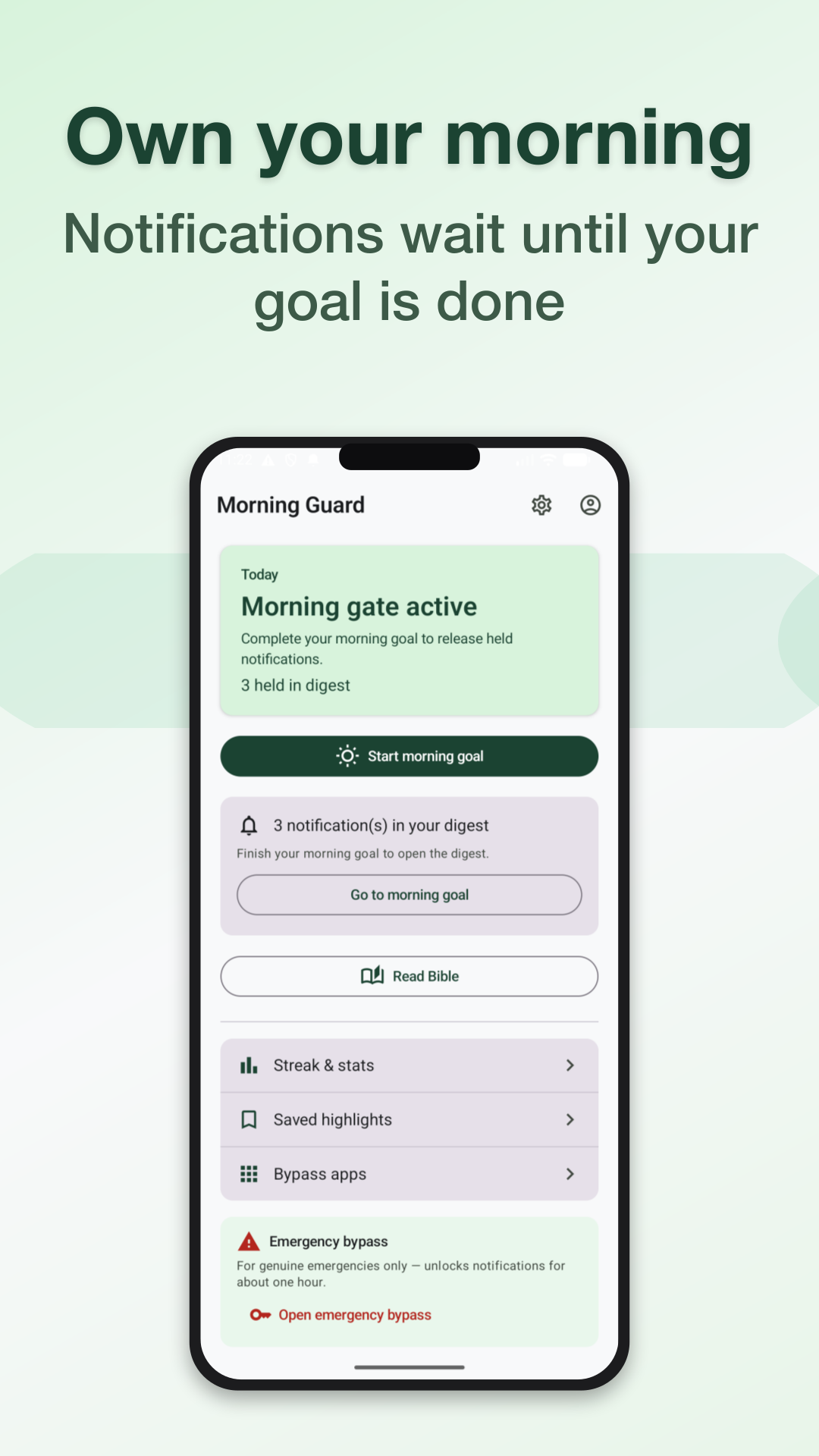
Three steps—no infinite scroll required before breakfast.
Pick when the gate is on and choose a goal that fits your routine.
Read, walk, or pause while non-essential alerts stay out of your status bar.
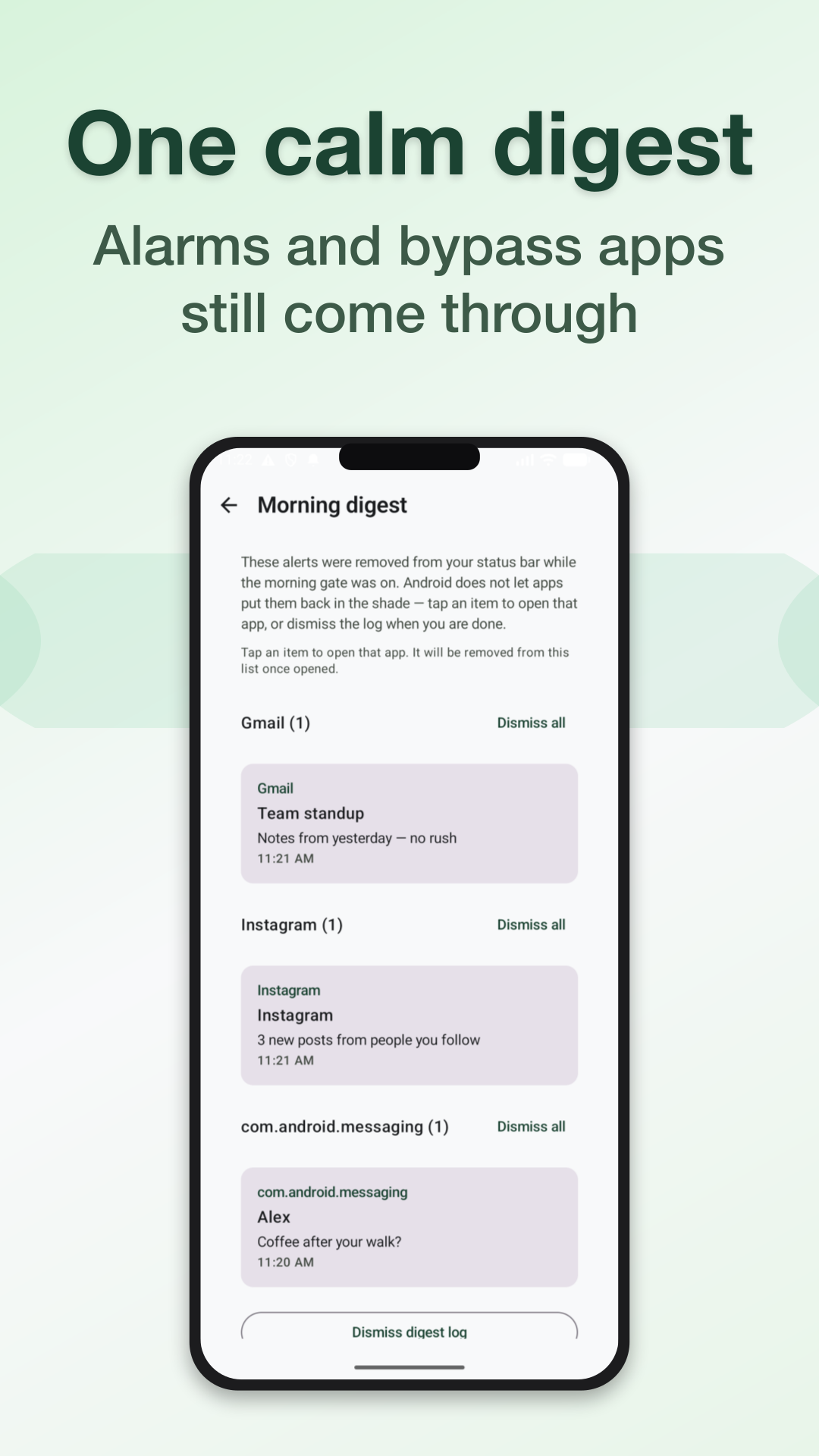
See what was held in one place—calls and allowed apps still come through.
Real screens from Morning Guard on Android.
Powerful enough to help, honest about what it touches.
During your window, non-essential notifications are held from the status bar. Alarms, phone calls, and apps you allow can still break through.
Held alerts are stored on your phone and listed after your goal. Android does not let apps put them back in the shade—you open what matters from the digest.
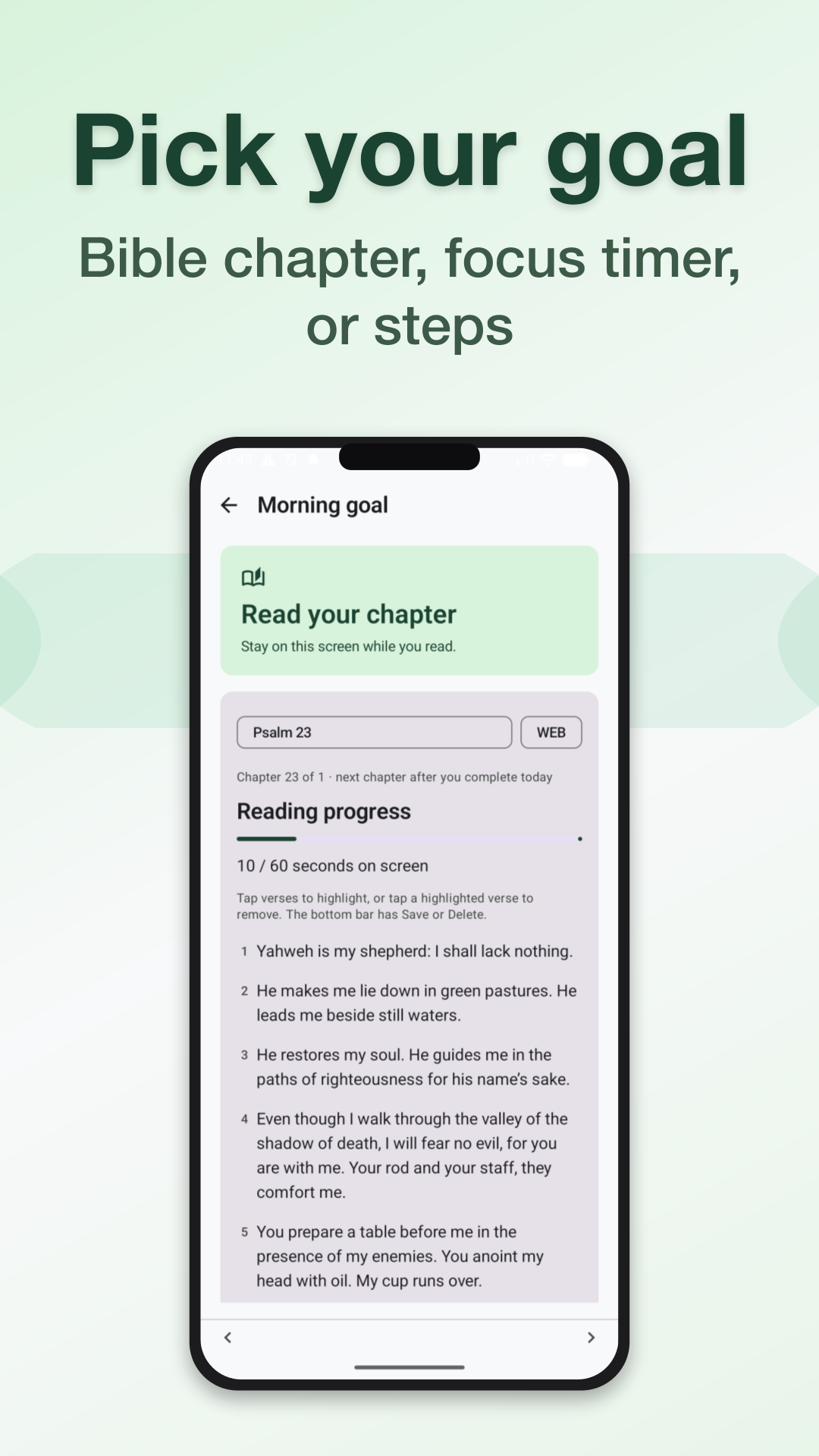
Verifiable goals: Bible reading, timed focus, or Health Connect steps. Finish one, then start your day on your terms.
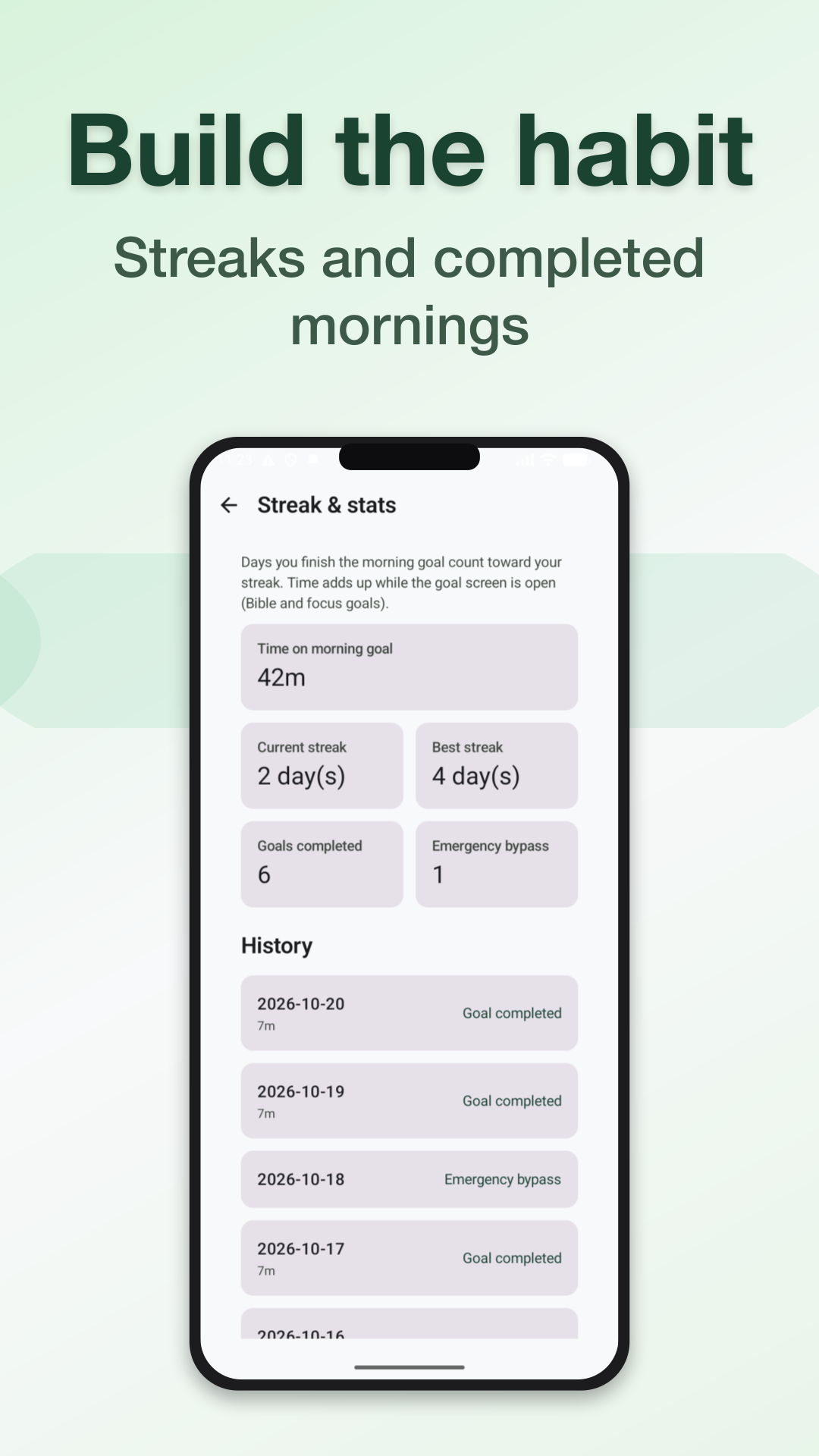
Notification text and settings stay on device. Optional sign-in syncs streaks and Bible highlights— or stay in local-only mode.
No. Notification title and text for held alerts are stored on your device for the digest and are not uploaded to our servers. See the privacy policy for details.
No. Core features work without sign-in. An account is optional if you want cloud sync for streaks and Bible highlights.
Magic-link email may open in the browser first. This page sends you back to the Android app to complete sign-in—only when the link includes a sign-in code.
Install Morning Guard on Android and set your first goal tonight.
Get it on Google PlayMagic-link sign-in from email opens this site briefly, then returns you to the Android app.
Opening the app to finish sign-in…
If nothing happens, tap the button below on the same phone where Morning Guard is installed.
To delete your account: open Morning Guard → Account → Delete account.